Large project friendly upload
Upload progress shows phase, percentage and wait info. Users always know what's happening with large projects.
Open DWG and DXF files in your browser, inspect the project with ease, then export as SVG, PNG or PDF. No account required, no cloud hassle; just open your file and get the job done.
Open a CAD file or load a sample project. The drawing opens here; inspect and export with the tools on the left.
View your CAD files directly in the browser with SnapDWG. Convert DWG and DXF projects to PDF, PNG, or SVG formats instantly. Fast, secure, and 100% online.
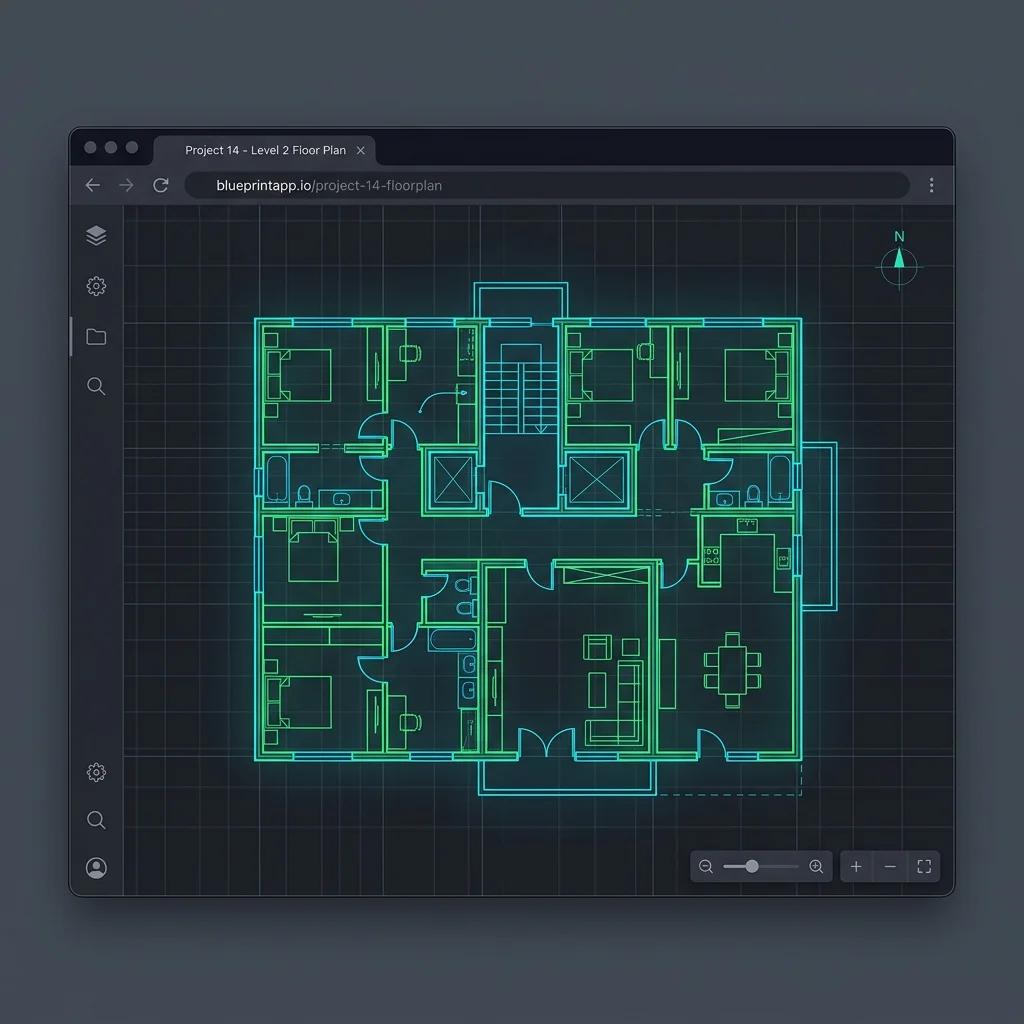
SnapDWG is a powerful online CAD solution developed for engineers, architects and designers.
View your DWG and DXF files instantly on any device without installing any software.
Convert your files to PDF, PNG or SVG formats in high resolution and download instantly.
Manage drawing layers, make precise measurements and inspect drawings in detail.
Your files are processed in-memory and are never stored on the server. Safe and confidential.
or click to browse files from your computer
Drag and drop your DWG or DXF file, or select it directly from your computer.
View your drawing instantly, toggle layers, measure and choose PDF, PNG, or SVG output format.
Download the high-quality converted file output and use it directly in your projects.
| Input Format | Open / View | Convert to PDF | Convert to PNG | SVG Output |
|---|---|---|---|---|
| DWG | ✓ | ✓ | ✓ | ✓ |
| DXF | ✓ | ✓ | ✓ | ✓ |
| Sample Project | — | ✓ | ✓ | — |
Open, convert and share your CAD files with SnapDWG instantly.
SnapDWG Conversion Tool
Upload your DWG file, see the drawing rendered correctly, then export as PDF. View the drawing and generate output on the same page.
SnapDWG is not just a blank upload page. After uploading, the drawing opens on-site with layer, zoom, measure and background tools, then exports as PNG, PDF or SVG.
Upload progress shows phase, percentage and wait info. Users always know what's happening with large projects.
DWG or DXF opens on screen first; then PDF, PNG and SVG outputs are generated from the same drawing.
Combines DWG Viewer, DXF Viewer, AutoCAD Viewer and CAD Converter needs in one product. Users land on a working drawing screen, not just a form.
Ideal for architectural project review, proposal attachment preparation, quick sharing with field teams and viewing CAD files outside the office.
The file is uploaded, parsed into drawing data on the server, opened with correct visualization in the browser, then PDF output is generated.
No. You can also get PNG and SVG from the same screen. This makes it easy to share the same project in different formats with different teams.